
How do I add dates and Times to my Event Listing?
When creating or editing a event listing on Our High Streets, you have the ability to set the date and time including recurring events.
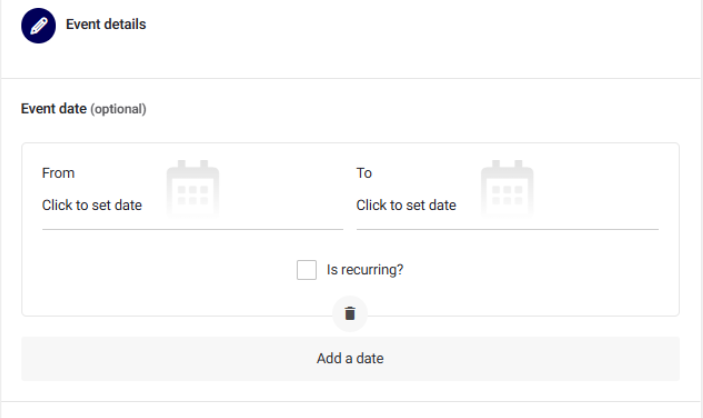
Step 1. Set the date and time for when your event is going to start by clicking on “Click to set date”. A Calendar will appear, and the time will appear under. Please remember to select “AM” or “PM” for the time.
Step 2. Repeat the process for the end date and time. (NOTE: If your event is over a multitude of days, like a festival that could start on a Friday and finish on a Sunday, it is best to add each day separately.)
Step 3. If your event uses the same details but takes place on a daily, weekly or monthly basis, use the Recurring function. Click on the tick box “Is Recurring?” and select the dates, times etc.