
How Can We Help?
How do I add my Logo to my listing?
To add your logo to your listing, first, please ensure you use the correct settings. The image size for logos is 1000px x 1000px at 72dpi. (You can use a smaller square image, but we recommend not going any smaller than 500px as it will look distorted.) Please use either PNG or WebP files.
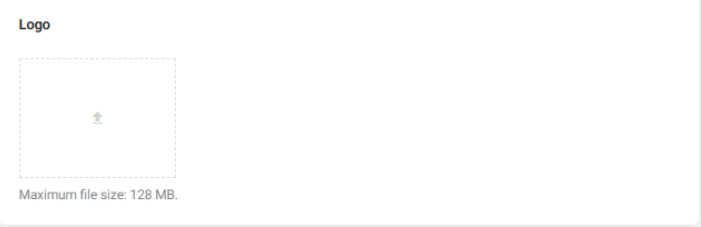
Step1. Scroll down to the box that says “Logo” (As per image above)
Step 2. Click on the arrow in the box, which will open your file manager
Step 3. Select your logo image
Step 4. Once uploaded, complete all other steps if you are creating a new listing or scroll to the end and click on the Save/Submit Button.